I am a second-year PhD student in the media studies program in the School of Journalism and Communication. Prior to that, I earned two master’s degrees, the most recent also in the SOJC media studies program, where my thesis was concerned with the historical discursive construction of an idealized figure of the “Internet user,” and the first master’s degree from the University of Tokyo’s ITASIA program (https://itasia.iii.u-tokyo.ac.jp/), an interdisciplinary media and cultural studies program where I wrote my thesis on the news media’s role in producing narratives of risk to legitimize state programs of public surveillance.
My research interests involve a broad swath of topics, largely organized around the topics of Internet histories, mobile media, and the ideological and discursive constructions of new media. More specifically, I am interested in a recent shift from discussing the history of the Internet as a monolithic, American-focused narrative and instead exploring the plurality of global or regional Internet histories, with a particular (but not exclusive) interest in the Japanese Internet. I am also interested in how the development of the cellphone and smartphone factor into these histories and how contemporary mobile media is shaping the way we conceive of and interact with the Internet. Finally, combining these two strands is an interest in how these histories and the cultural meanings of these technologies are discursively constructed and shaped by embedded politics which in turn affect our experiences with new media.
My PhD research takes a historical and cultural approach to the keitai denwa, mobile phones popular in Japan from the late 1990s until the global diffusion of the iPhone and Android smartphones in 2007/2008. I view this period, which covers the early development of the mobile web with the launch of carrier NTT DoCoMo’s i-Mode service in 1999, as a time of “interpretive flexibility” for mobile media and the mobile web, where the cultural meanings of mobile technologies were still being discursively contested, standardized, and spread globally before the rise of the iPhone and Android smartphones fixed the dominant meanings of mobile phones and the mobile web within an appliancized framework governed by the logics of Web 2.0 ideology and surveillance capitalism.
I first came to the New Media and Culture Certificate program through the common seminar course taught in my first year by Professor Bish Sen. This was my first formal introduction to the study of new media (in all of its expansive forms, definitions, and approaches), and I still return to a significant number of the readings and topics we discussed in the class in my present work. The wider certificate program has been invaluable in helping me to connect with like-minded new media scholars in other departments across campus (whom I might not have run into otherwise), and the speakers invited to campus by the program have been inspiring both in the content of their research and the examples they provide of what a career as an academic specializing in new media studies could look like.
Recommended Readings
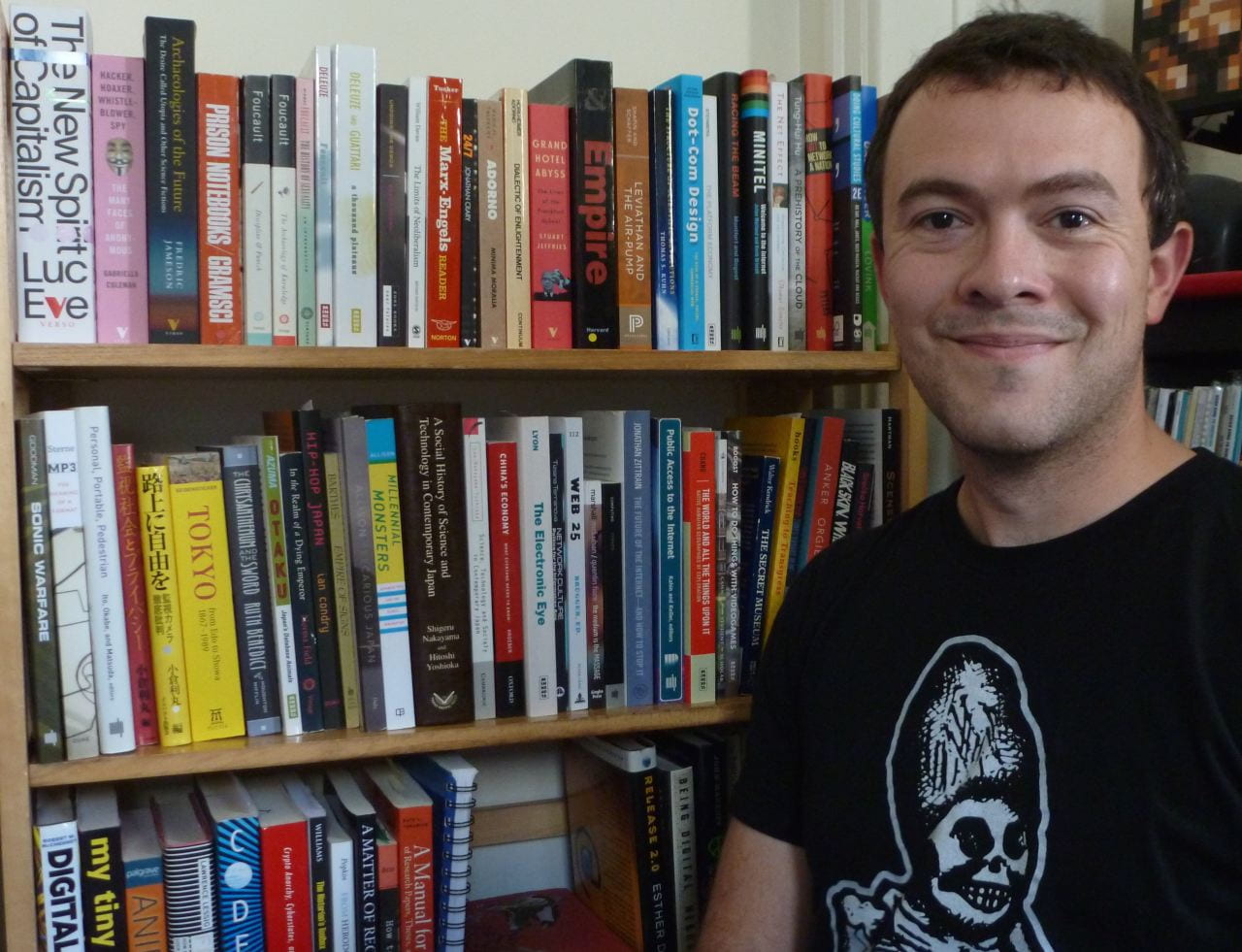
I could probably write several thousand words on readings that have had a strong influence on my research interests, my understanding of contemporary cultures, or my personal worldview. To narrow that range down somewhat, the following short list is a little thematically-scattered, but the readings have been influential in helping me think through some of the concepts I am working with for my dissertation and the orientation of my future research. These are works that explore the socially constructed nature of common technologies to show that artifacts and concepts we take for granted—the Internet, the abstraction of “the cloud,” urban infrastructure, hardware platforms like video game consoles, and even the tradition of scientific experimentation itself—are all products of culturally-produced meanings and embedded ideologies.
The Net Effect: Romanticism, Capitalism, and the Internet. Thomas Streeter. New York University Press, 2011
A Prehistory of the Cloud. Tung-Hui Hu. MIT Press, 2015.
“Do Artifacts Have Politics?” Langdon Winner. Daedalus 109 (1), 1980. http://www.jstor.org/stable/20024652
Racing the Beam: The Atari Video Computer System. Nick Montfort and Ian Bogost. MIT Press, 2009.
Leviathan and the Air-Pump: Hobbes, Boyle, and the Experimental Life. Steven Shapin and Simon Schaffer. Princeton University Press, 1985.
Recommended Tools
The tools we use as academics are important, not just in their functionality but in their embedded politics which we—knowingly or unknowingly—participate in through their use. When we produce and distribute knowledge, we might not think about whether private interests benefit from the work we do, or whether our choice of a particular program or file format possibly closes out other academics from engaging with our work because they don’t have the funding or access to specific technologies. The tools below have helped me through my graduate school journey, and I hope others may find some of them useful as well.
• Zotero (https://www.zotero.org/). A good reference manager is essential for 21st century academic work (in my opinion). Zotero is free and open source, compatible with Microsoft Word, LibreOffice Writer, and Google Docs (I think?) and runs on all major operating systems. Mendeley and EndNote are frequently recommended alternatives, but both are problematic in their default use of proprietary file formats; Mendeley is especially concerning considering it is owned by academic mega-publisher Elsevier.
• LibreOffice (https://www.libreoffice.org/). LibreOffice is free software that offers all of the features we expect from an office suite and is fully compatible with Word and Powerpoint (also Excel) formats. There’s no high cost (Microsoft Office), no concerns with storing important data in the cloud (Office 365, Google Docs) and no proprietary file formats that are incompatible with other programs (Apple Pages, Keynote).
• LaTeX (https://www.latex-project.org/). LaTeX is a collection of utilities used in producing high-quality typeset documents. It’s not the easiest thing to start using—but not much more complex than learning, say, HTML and CSS—but if typography is important to you then LaTeX is a valuable tool to learn. I typeset both of my master’s theses in LaTeX, and they look beautiful (the content, on the other hand…).
• Atom (https://atom.io). A multipurpose text editor developed by GitHub. A huge library of community-created plugins means this program can be adapted to just about any sort of writing project you’re working on. I use it to take notes and make outlines in Markdown format (https://daringfireball.net/projects/markdown/) which can then be easily converted into a number of other file formats using the pandoc tool (https://pandoc.org/). I also use it for editing LaTeX projects thanks to a number of useful features like syntax highlighting, bracket matching, and other nerdy stuff.
• Linux. Linux is a free operating system that runs on just about any modern laptop or desktop computer. I switched to Linux full-time from Microsoft Windows four years ago because I wanted more control over and customization of my computer, and being able to build my system around how I work has been an incredible asset to my productivity. There’s no one “version” of Linux; instead, it’s available in a number of different “distributions” which offer different collections of software, user interfaces, and other customizations. I use Fedora (https://getfedora.org) but Linux Mint (https://www.linuxmint.com/) and Ubuntu (https://ubuntu.com/) are also popular and accessible distributions for new users. If you’ve ever been frustrated at the way your computer operates—or the increasing ways in which you as the user have less control over how your operating system functions or is maintained and supported—Linux may be worth investigating.
 Bonnie Sheehey is graduating with a PhD in Philosophy from the College of Arts and Sciences.